Repair Quotes
Create and send repair, replacement, upgrade and return-charges quotes, with payment via Shopify invoice.
When a customer needs to pay for work — an out-of-warranty repair, a paid replacement, an upgrade, or return charges on a no-fault item — ReturnMate lets you send a quote from the RMA. The customer reviews it in the returns portal and pays through your Shopify store's invoice checkout.
Quote Types
| Quote type | When to use |
|---|---|
| Repair Quote | Customer pays for a repair (out of warranty, customer damage, or partial coverage) |
| Replacement Quote | Customer pays for a replacement unit instead of a repair |
| Upgrade Quote | Customer pays to upgrade to a different or newer product — search your Shopify catalogue and the price pre-fills |
| Return Charges (No Fault) | No fault was found (futile return) — the customer pays return shipping plus any optional testing/labour charges |
An RMA can have one active quote at a time. If a quote is declined or cancelled, you can create a new one to replace it.
Creating and Sending a Quote
Open the Warranty Resolution section
On the RMA, scroll to the Warranty Resolution section and click Create Repair Quote (for futile returns the button reads Create Return Charges Quote and the quote type is locked to Return Charges).
Choose the quote type and amount
In the Create Quote modal, select the Quote Type, then enter the amount — Repair Amount, Replacement Amount, Upgrade Price, or Testing/Labor Charges (optional) for return-charges quotes. For upgrades, search your Shopify products by name or SKU and the price pre-fills.
Add inspection details
Enter an optional Work Description, plus Damage/Inspection Notes and Inspection Photos — both are shown to the customer in the portal so they can see why the charge applies.
Set the return options (if the customer declines)
Configure what happens if the customer says no: choose a Return Carrier (live shipping quotes are shown per carrier), optionally tick Free return shipping, and tick Allow store collection to offer free in-store pickup — with an estimated pickup-ready date and pickup instructions.
Create & Send Quote
Click Create & Send Quote. The customer receives an email with a secure link to view and respond to the quote in the portal. The RMA status changes to Quote Sent.
Quote Statuses
| Status | Meaning |
|---|---|
| DRAFT | Quote created but not yet sent — can still be edited or cancelled |
| SENT | Emailed to the customer, awaiting their response |
| APPROVED | Customer accepted and was redirected to pay the Shopify invoice |
| PAID | Payment confirmed — work can begin |
| DECLINED | Customer declined and chose a decline option |
| CANCELLED | Cancelled by staff (any linked Shopify draft order is deleted) |
Quotes expire 14 days after creation by default. The expiry date is shown on the quote card and in the customer's portal view, and an expired quote can no longer be accepted.
What the Customer Sees
The portal quote page shows the amount (plus return shipping where applicable), your work description, the inspection notes and photos, the customer's own original photos, and the expiry date. The customer has two buttons:
- Accept & Pay — ReturnMate creates a Shopify draft order and redirects the customer straight to your store's Shopify invoice checkout to pay. Payment is via Shopify invoice only.
- Decline Quote — the customer chooses what to do with their item.
Decline options
| Option | Cost to customer |
|---|---|
| Ship my item back to me | Pays the return shipping cost (charged via a Shopify invoice) |
| Collect from store | Free (shown only if you allowed store collection) |
| Dispose of my item | Free — authorises responsible disposal or recycling |
The chosen option, and any optional decline reason, are recorded on the quote card and RMA timeline, and the RMA status changes to Quote Declined.
After Payment
When Shopify confirms payment:
- The quote is marked PAID and the RMA status changes to Quote Paid
- The paid Shopify order is placed on fulfilment hold so it doesn't appear in your warehouse shipping queue until the repair or replacement is ready
- The assigned technician receives an email that the quote has been paid
While a quote is in SENT status you can also click Mark as Paid manually (for example if the customer paid another way inside Shopify), View Quote on Portal, or Cancel Quote.
Labour and Parts Costs
Quote amounts are a single figure you enter — work out your price using:
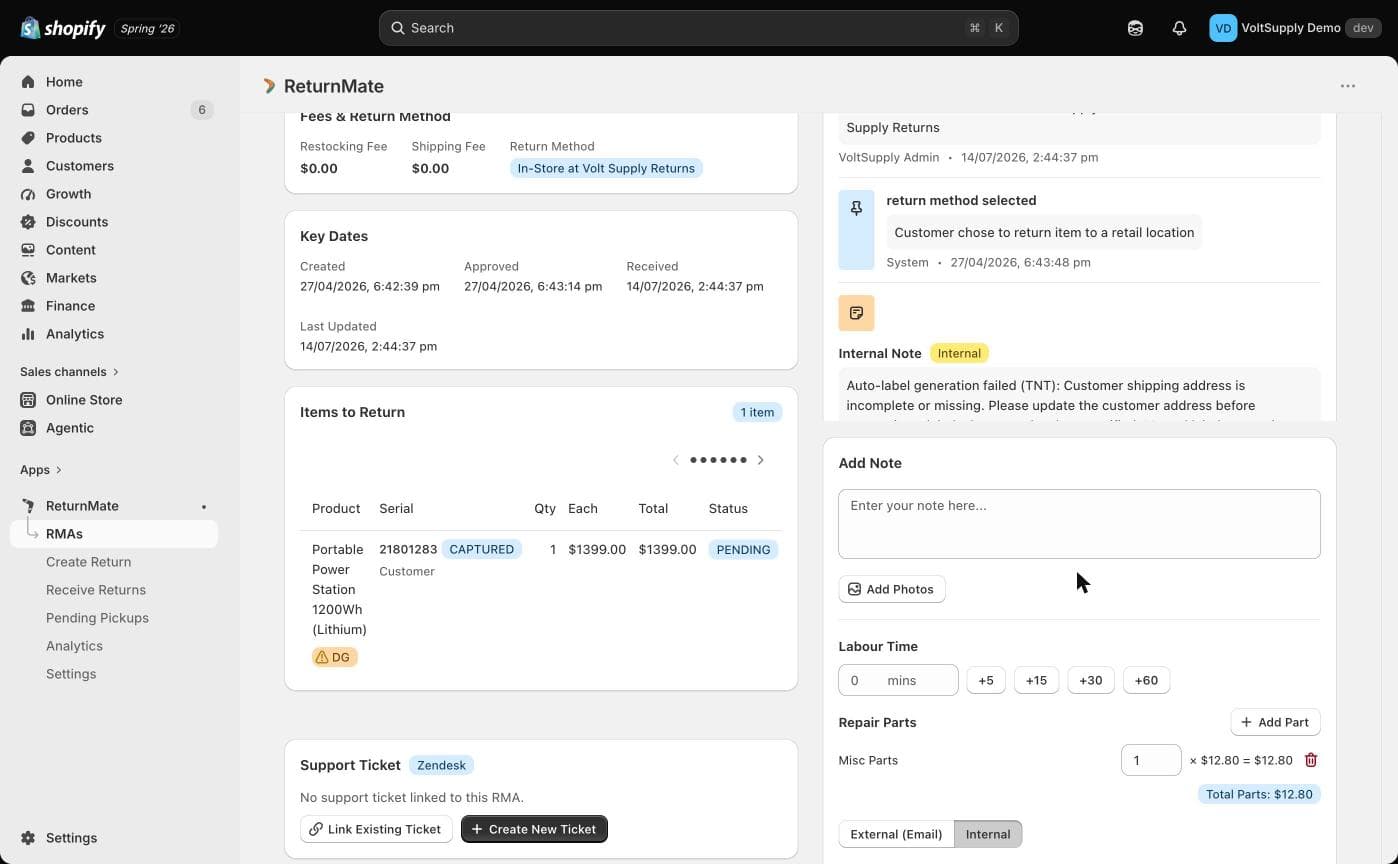
- Hourly Rate — set under Settings → Warranty Settings → Labour Rate for internal cost tracking. Technicians log labour minutes against the RMA from the Add Note form.
- Repair Parts — link a Shopify collection of repair parts under Settings → Warranty Settings → Repair Parts Collection. Parts (with prices) can be added to RMA notes to track what was used.
See Warranty Settings for configuration details.
Best Practices
- Include inspection notes and photos so customers understand the charge
- Always configure decline options — it avoids items sitting in limbo
- Offer store collection where you have a retail location; it's free for the customer
- Log labour time and parts as you work so quoting stays grounded in real costs